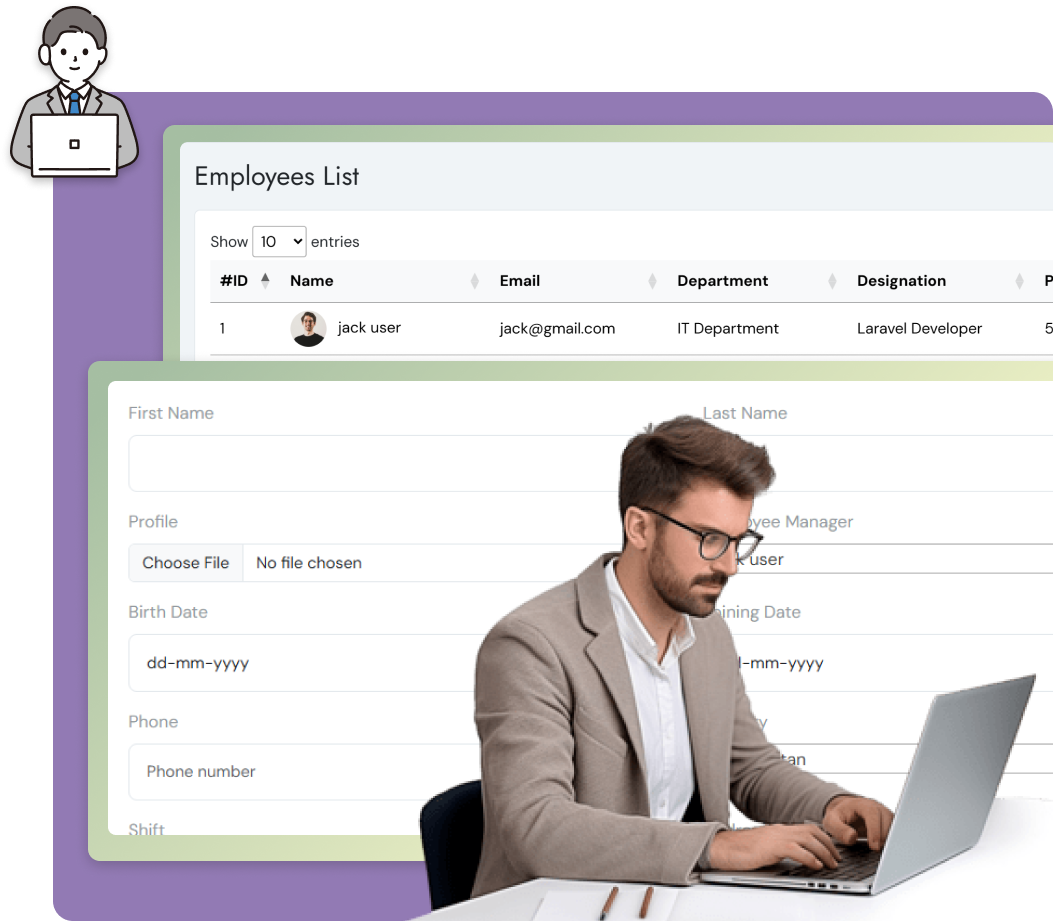
Employee Management involves overseeing employee data, attendance, performance, payroll, and leave within an organization.
Maintain centralized employee profiles with personal, professional, and performance details.
Track working hours, manage leave requests, and ensure accurate attendance records.
Break projects into tasks and allocate them to the right team members for better efficiency.
Automate salary calculations, benefits, deductions, and ensure timely payroll processing.
Promote a positive workplace culture with recognition programs, surveys, and communication tools.
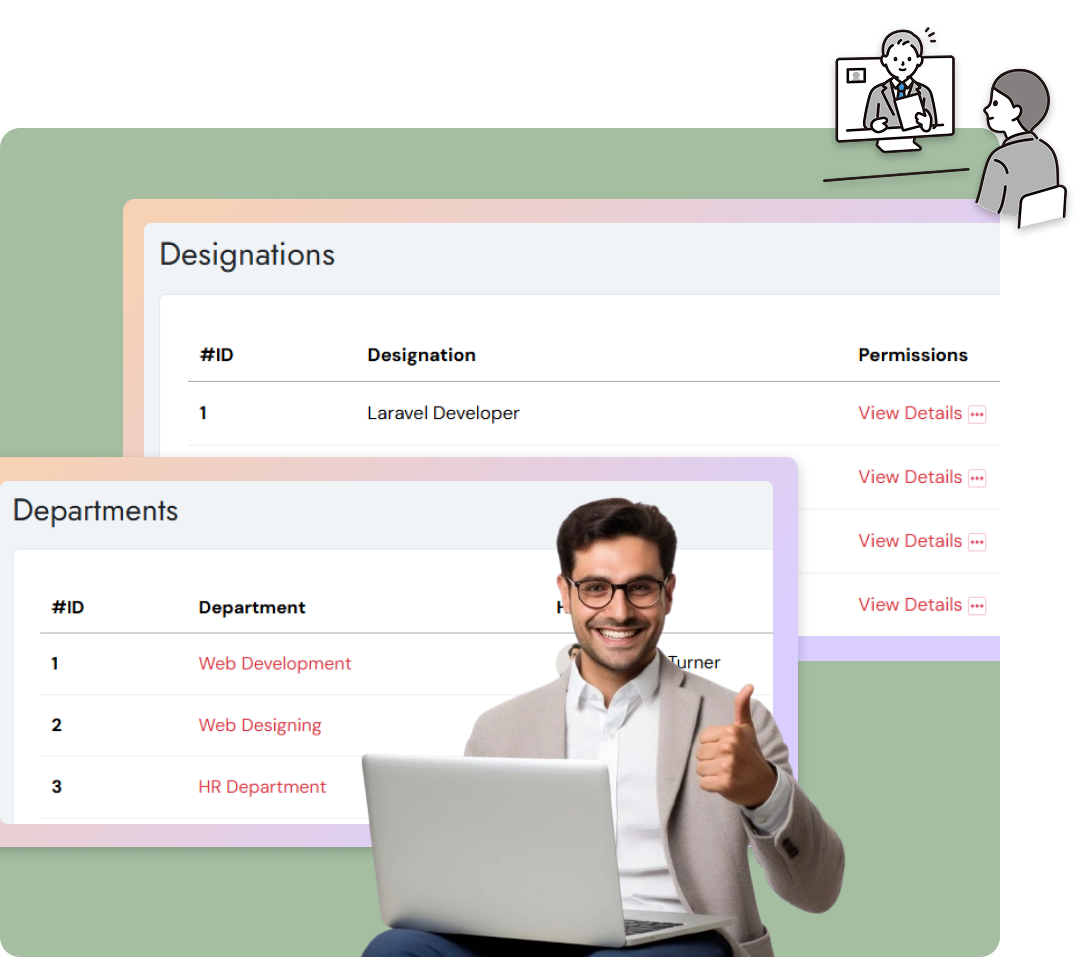
Department Management organizes and optimizes teams for smooth operations, while Designation Management defines roles and hierarchies to ensure clarity and accountability.
Easily set up and define new departments based on business needs.
Define multiple designations like Manager, Team Lead, or Executive within each department.
Assign employees to specific roles based on skills, authority, and responsibilities.
Manage all departments, designations, and employees from one place for better visibility.
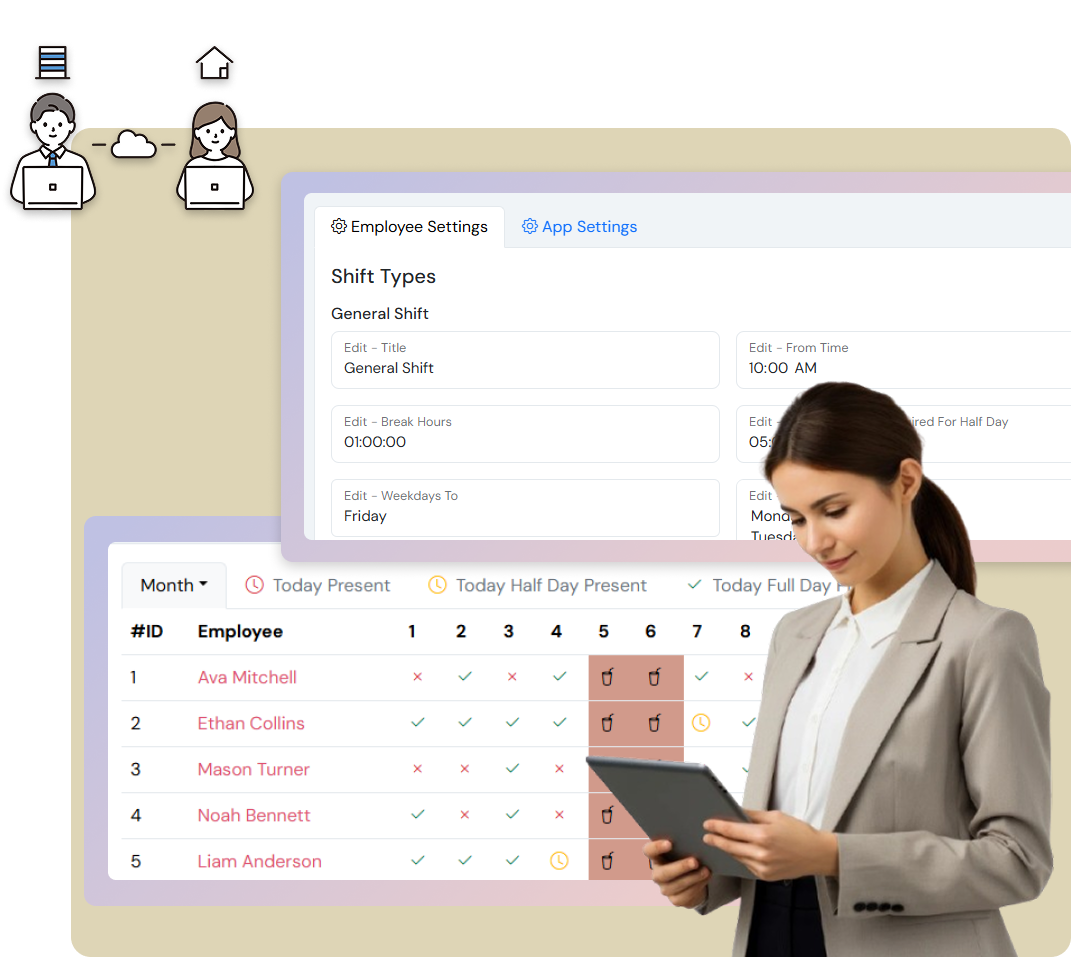
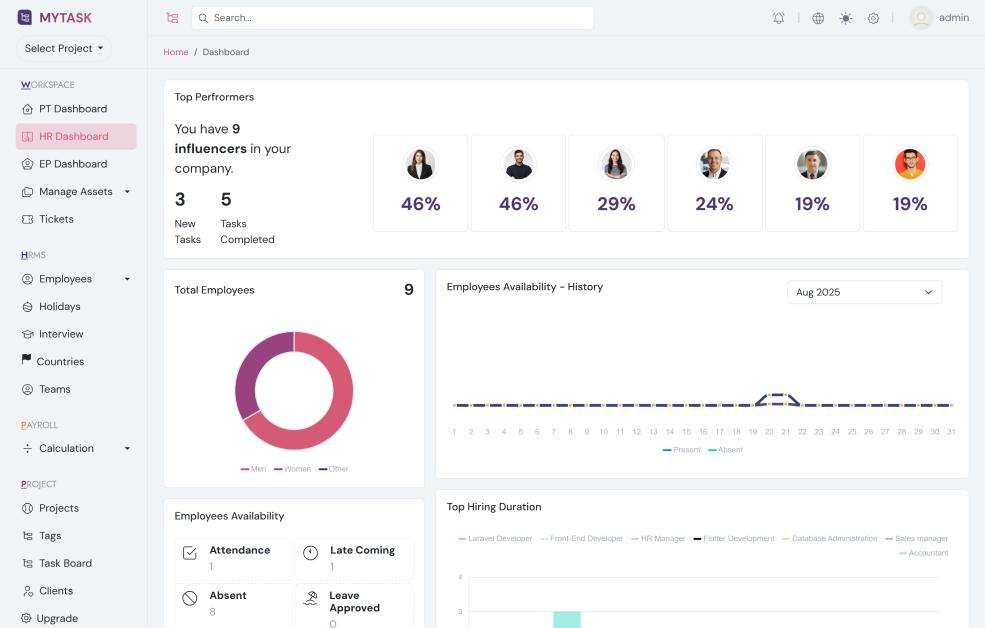
Shift & Attendance Management is the process of organizing employee work schedules, tracking their attendance, and ensuring proper workforce availability. It helps maintain discipline, optimize manpower, and improve productivity.
Plan and assign employee shifts (day, night) based on requirements.
Record daily presence, late arrivals, early leaves, and absences.
Manage leave requests, approvals, and calculate overtime hours.
Get instant insights into employee availability and shift coverage.
Generate attendance reports to analyze patterns and improve workforce planning.
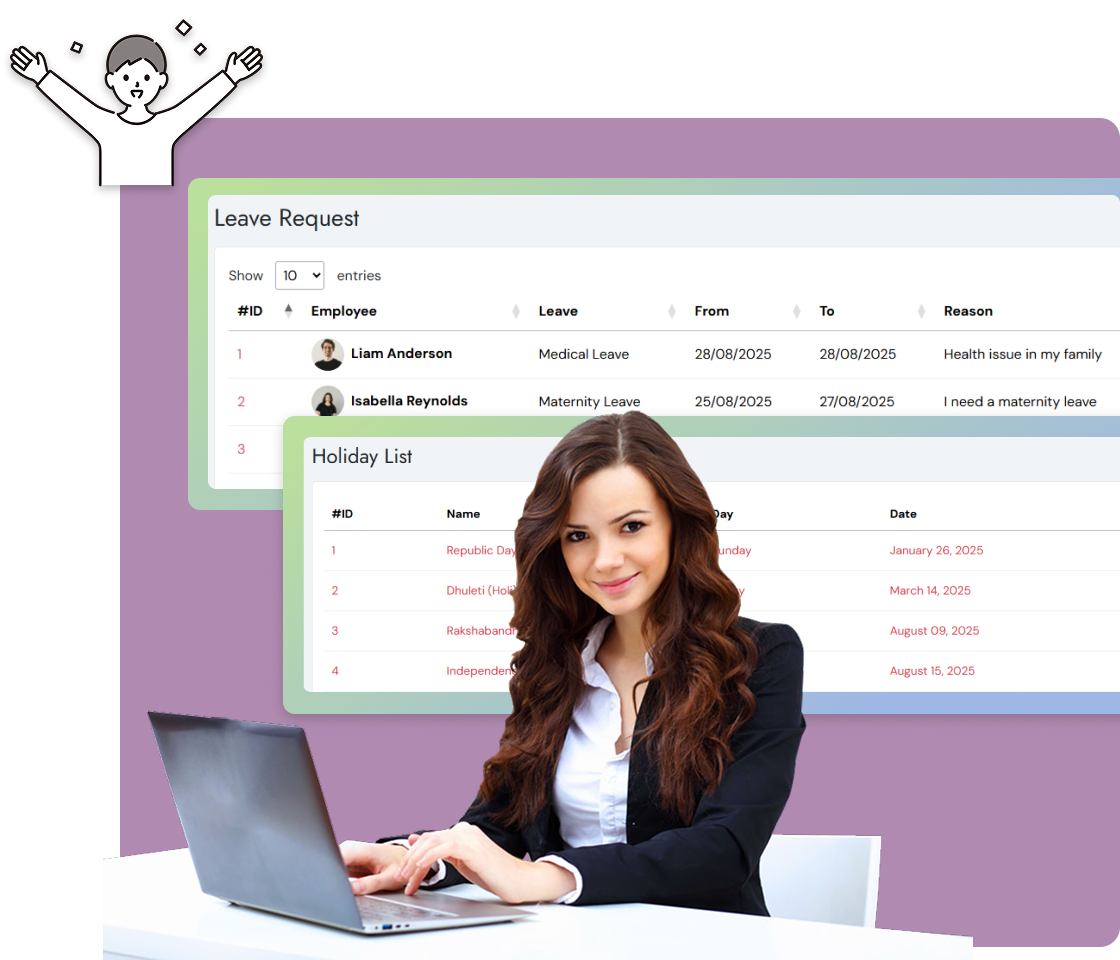
Leave & Holiday Management is the process of organizing employee leave requests, approvals, and company-wide holidays in a systematic way. It ensures smooth workflow, proper staffing, and compliance with organizational policies.
Employees can apply for leave, and managers can review and approve them easily.
Maintain an official company holiday list that is accessible to all employees.
Track leave balances (casual, sick, earned, etc.) for each employee.
Generate reports on leave trends, absenteeism, and workforce availability.
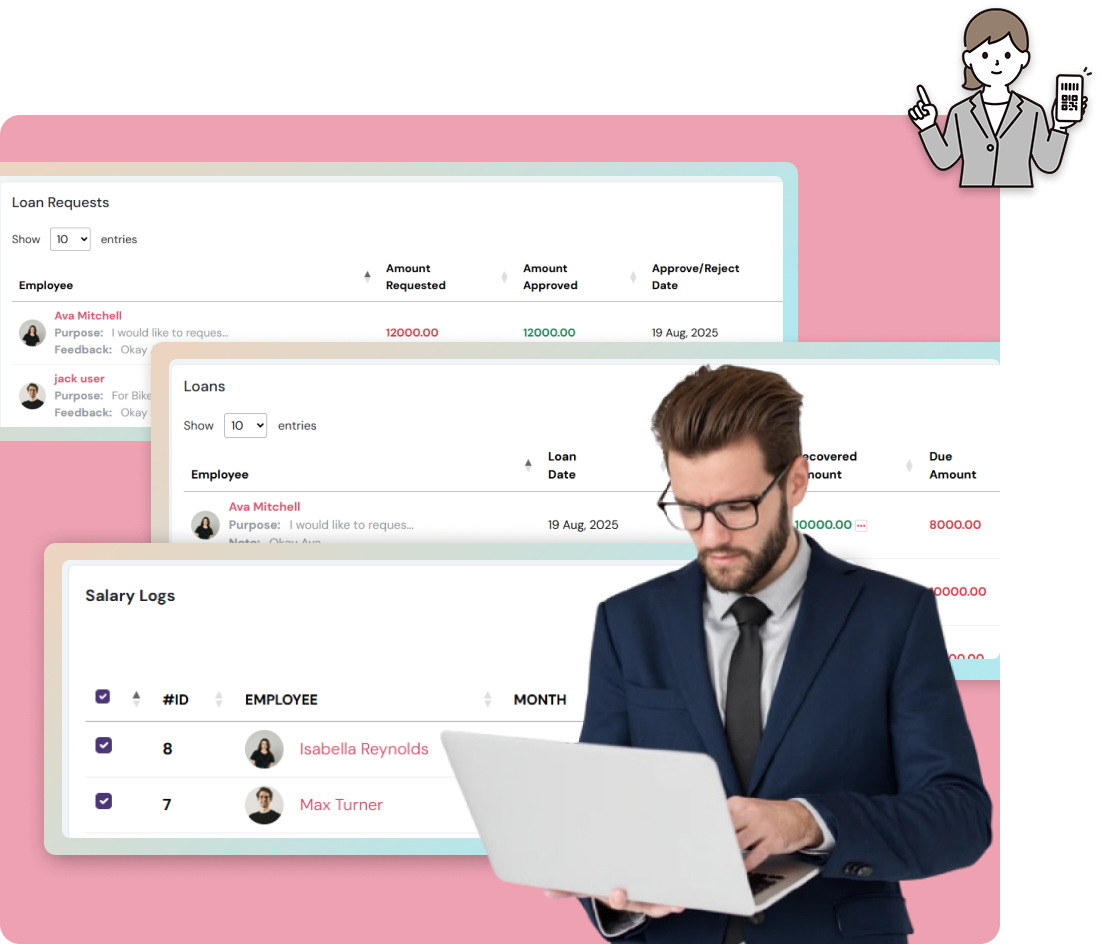
Payroll & Loan Management ensures accurate salaries, streamlined deductions, and transparent loan processing for employee satisfaction.
Calculate salaries with allowances, deductions and taxes.
Ensure accurate and timely salary payments to employees.
Employees can apply for personal or company loans directly through the system.
Track loan repayments with automatic salary deductions.
Adhere to tax regulations, statutory compliances, and company policies.
Generate payslips, loan statements, and payroll reports for employees and management.
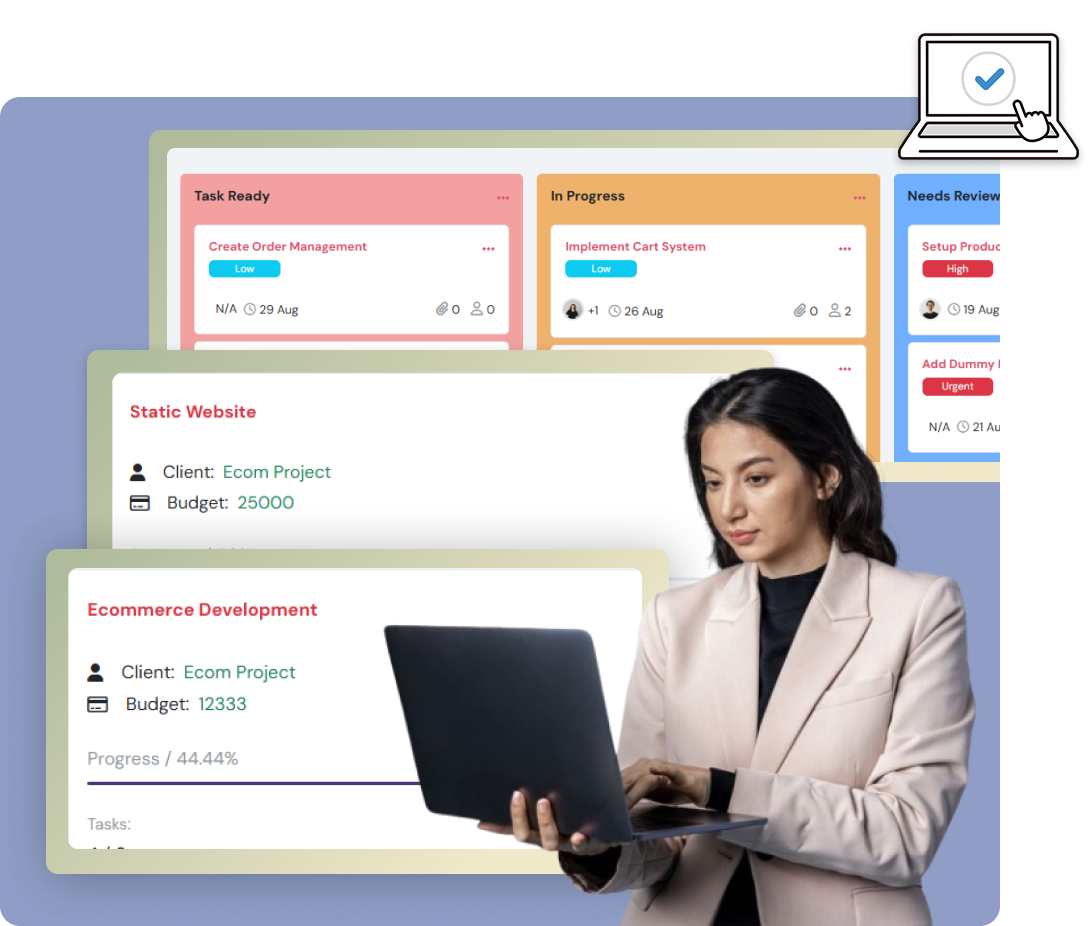
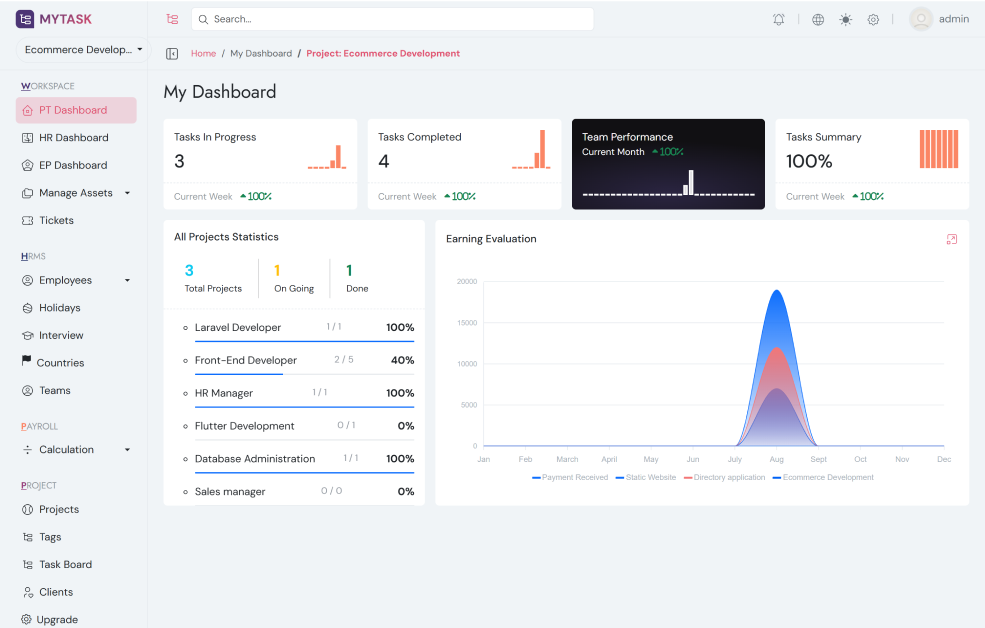
Project & Task Management helps teams plan, organize, and track work efficiently to boost productivity and achieve goals on time.
Define new projects with objectives, deadlines, and milestones.
Allocate tasks to employees with clear roles and responsibilities.
Monitor ongoing tasks, deadlines, and overall project progress in real time.
Enable task management, file sharing, and updates within projects.
Set task priorities and manage project timelines efficiently.
Generate reports on project status, task completion, and team performance.
Manage leave policies & approvals
Setup appraisal cycles & reviews
Configure interview processes
Manage shift timings & schedules
Application-wide configurations
Manage roles & permissions
Configure notification settings
Generate & configure currency
Quick and hassle-free setup to get MyTask running in your environment.
Tailor MyTask features and workflows to match your unique business needs.
24/7 email and chat support expert assistance to resolve issues and keep your tasks on track.
Seamlessly connect MyTask with your favorite tools and apps.
Our FAQ section covers the most common questions about employee settings, app configurations, and data security. Browse the answers or reach out to our support team if you need further assistance.
You can approve, reject, or review leave requests under the Leave Management section in the employee settings panel.
Employees can record their working hours by using the punch-in and punch-out system. When starting work, they press the Start button (Punch In), and when finishing, they press the Stop button (Punch Out). The system automatically tracks total working hours and attendance records.
Appraisal data is available under the Appraisal Module. You can generate performance reports and track growth metrics for each employee.
Yes, shift schedules can be created and modified under the Shift Management section. Employees can view their shifts in real-time.
Global app settings such as notifications, themes, and access permissions can be managed under the App Settings panel.
Yes, all employee and app data are protected with encryption and role-based access control to ensure maximum security.
Have questions about MyTask? We’re here to help you with project and task management solutions.
Share your Name and Email, and our team will reach out with the right support.